This page shows how to change the language of the management console.
How to change language preferences
- Click the language button at the top right of the page. It shows your current language, for example EN.
- Click one of the languages.
- The page reloads in the new language.
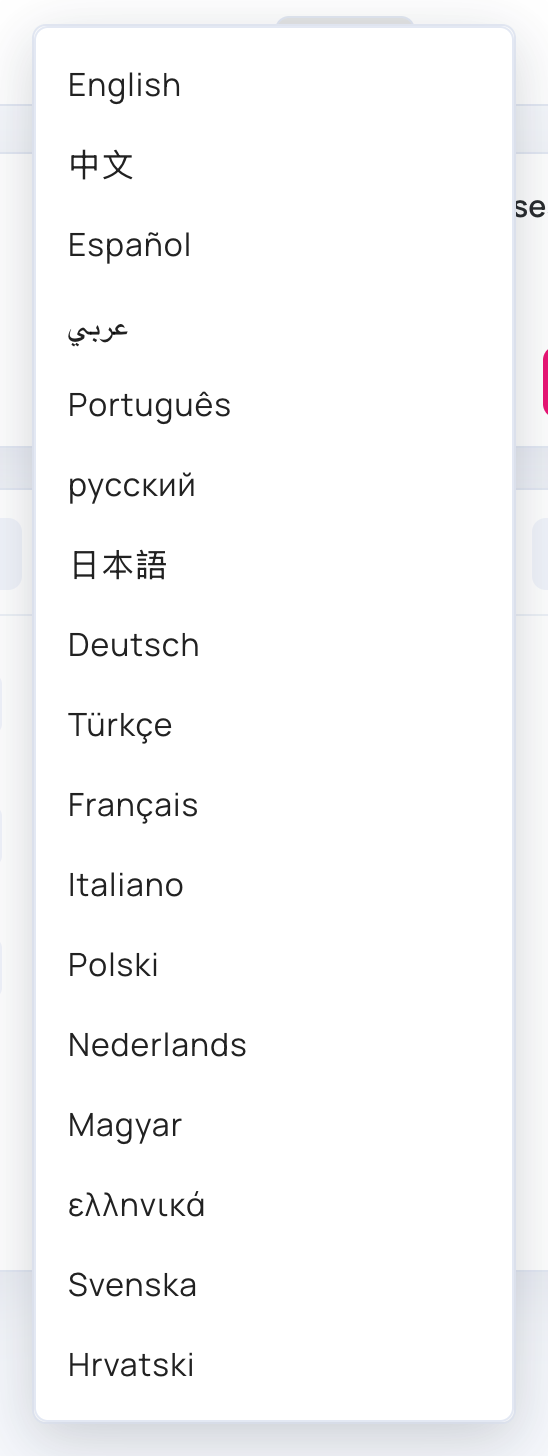
The management console is available in 17 languages:
English - 中文 - Español - عربي - Português - русский - 日本語 - Deutsch - Türkçe - Français - Italiano - Polski - Nederlands - Magyar - ελληνικά - Svenska - Hrvatski
- Your choice is saved to your user: when you sign in on another computer or browser, the console opens in the same language.
- The first time you sign in, the console uses your browser’s language if it is one of these, and English otherwise.
- In عربي (Arabic), the console reads from right to left.
- The language only changes the console. It doesn’t change the content on your screens.