Play a YouTube video, a Short or a whole YouTube playlist on your screens. The video streams from YouTube, so the screen needs an internet connection.
Copy the Link from YouTube
- Open the video, Short or playlist on YouTube.
- Click Share, then Copy.
Add YouTube to a Playlist
- Open the playlist, then click the layer. See Playlist Media Management.
- If the layer is empty, the content apps open. If it already has media, click Add New.
- Click Google Apps, then YouTube.

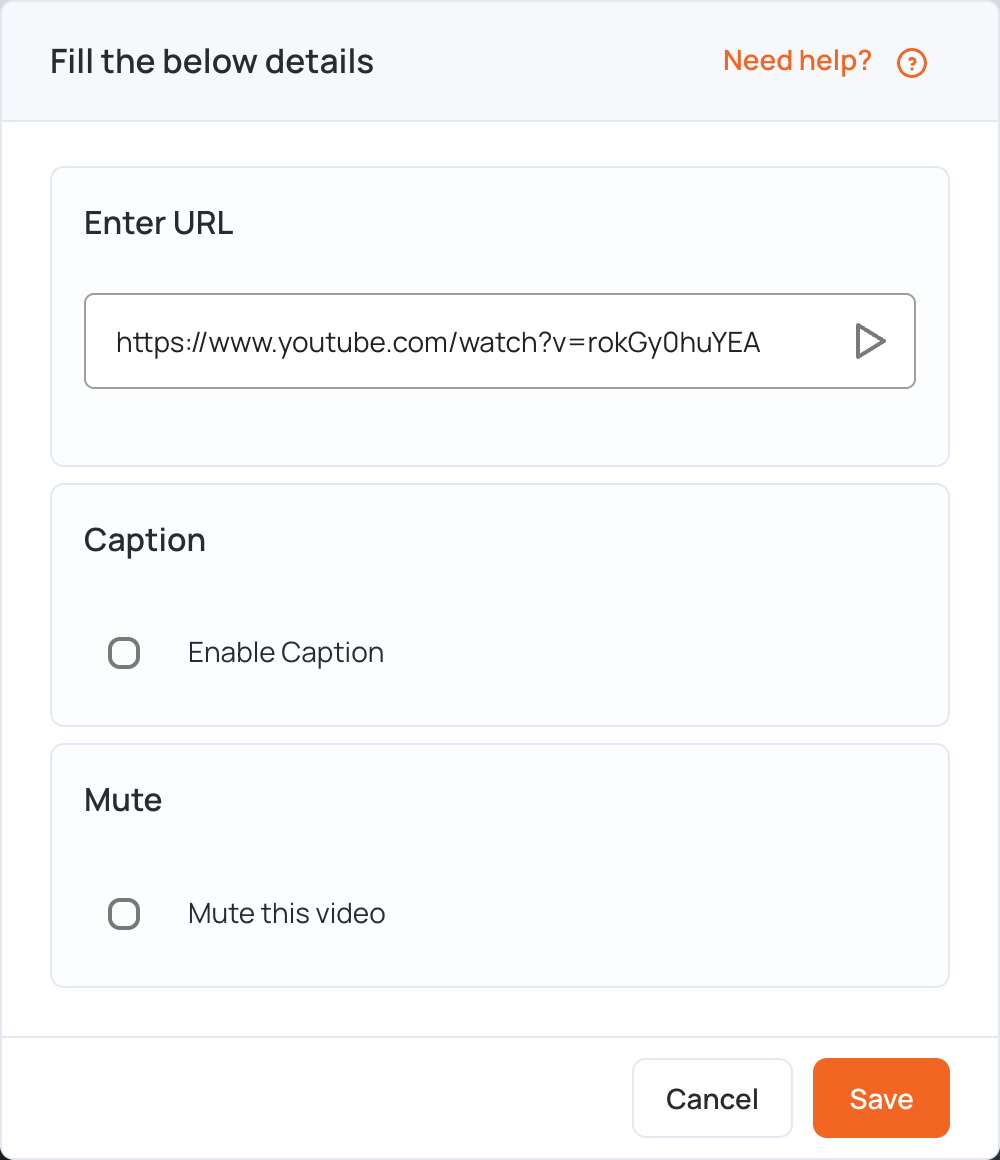
- In Enter URL, replace the sample link with the link you copied.
- Set the options if you need them:
- Caption: tick Enable Caption to show captions, if the video has them.
- Mute: tick Mute this video to play it without sound.
- Click Save.
- Click Publish changes of this playlist to send it to your screens.
YouTube Playlists
To play a YouTube playlist, copy the playlist’s link (it contains list=) and paste it in Enter URL.
The playlist plays from start to finish, then starts again. Before it starts again, it reloads the playlist from YouTube, so videos you add to the playlist on YouTube play on your screens in the next loop, with nothing to change in the CMS.