Windy.com shows live, animated weather maps: wind, temperature, rain and more. Create a Windy map for your area, then paste its embed code in the CMS.
Copy the Embed Code from Windy.com
- Open Windy.com and go to the location you want to show.
- Open the menu, scroll down and click Embed widget.
- Set up the map. Enter a width and height that match your layer, for example
1920and1080for a full-screen layer. - Click Copy to clipboard.
Add Windy to a Playlist
- Open the playlist, then click the layer. See Playlist Media Management.
- If the layer is empty, the content apps open. If it already has media, click Add New.
- Click Weather apps, then Windy. It is also in General Apps.

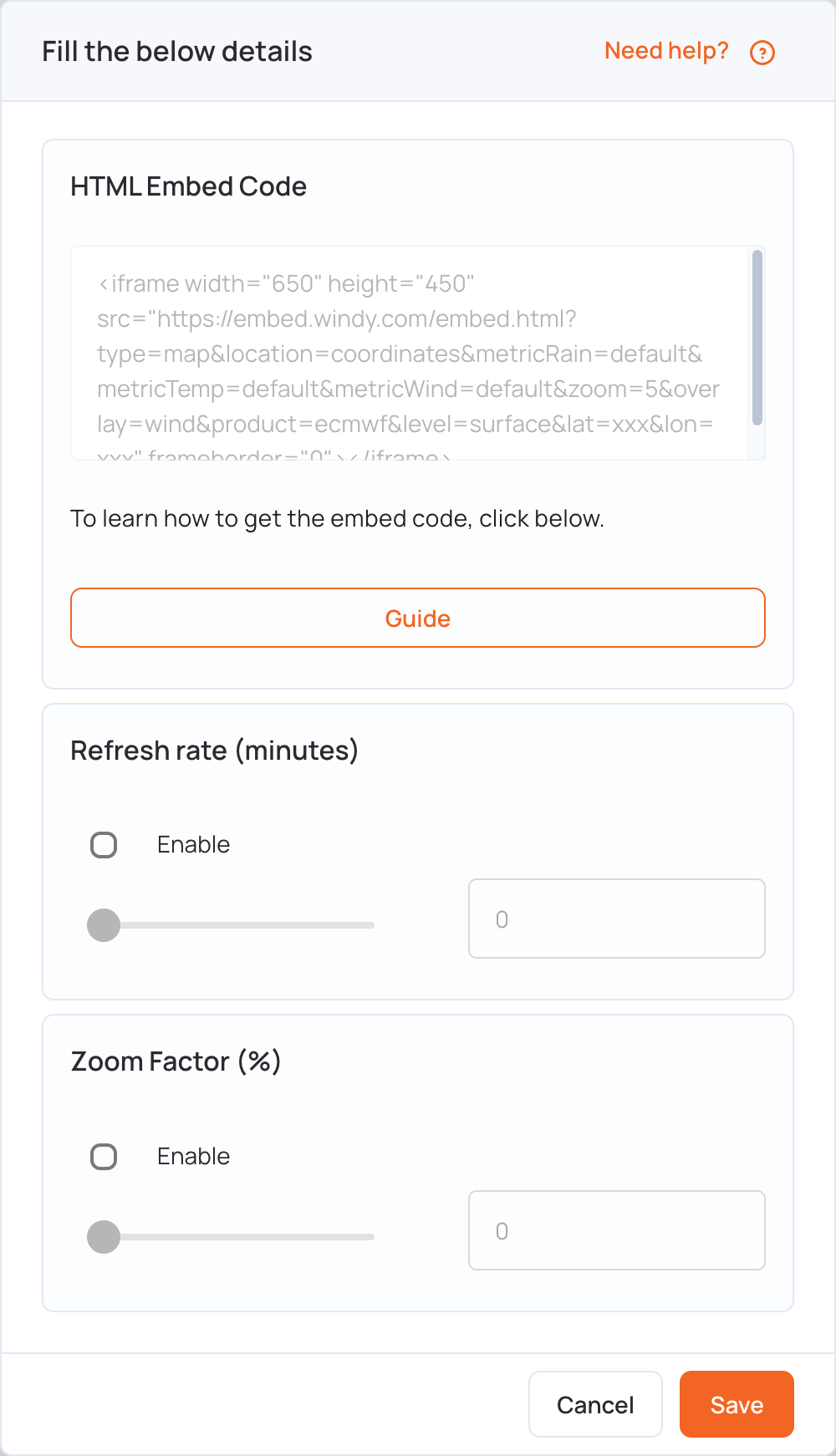
- In HTML Embed Code, paste the code you copied.
- Set the options if you need them:
- Refresh rate (minutes): tick Enable and set how often the screen reloads the map (up to 90 minutes).
- Zoom Factor (%): tick Enable and set the zoom (up to 200%) to fit the map to your screen.
- Click Save.
- Click Publish changes of this playlist to send it to your screens.
See also the other Weather apps.