WeatherWidget is a free weather widget that you can style with your own theme and colors. Create a widget for your location, then paste its embed code in the CMS.
Copy the Embed Code from WeatherWidget
- Open WeatherWidget and choose the location.
- Choose a theme and colors that match your brand.
- Click GET CODE, then COPY TO CLIPBOARD.
Add WeatherWidget to a Playlist
- Open the playlist, then click the layer. See Playlist Media Management.
- If the layer is empty, the content apps open. If it already has media, click Add New.
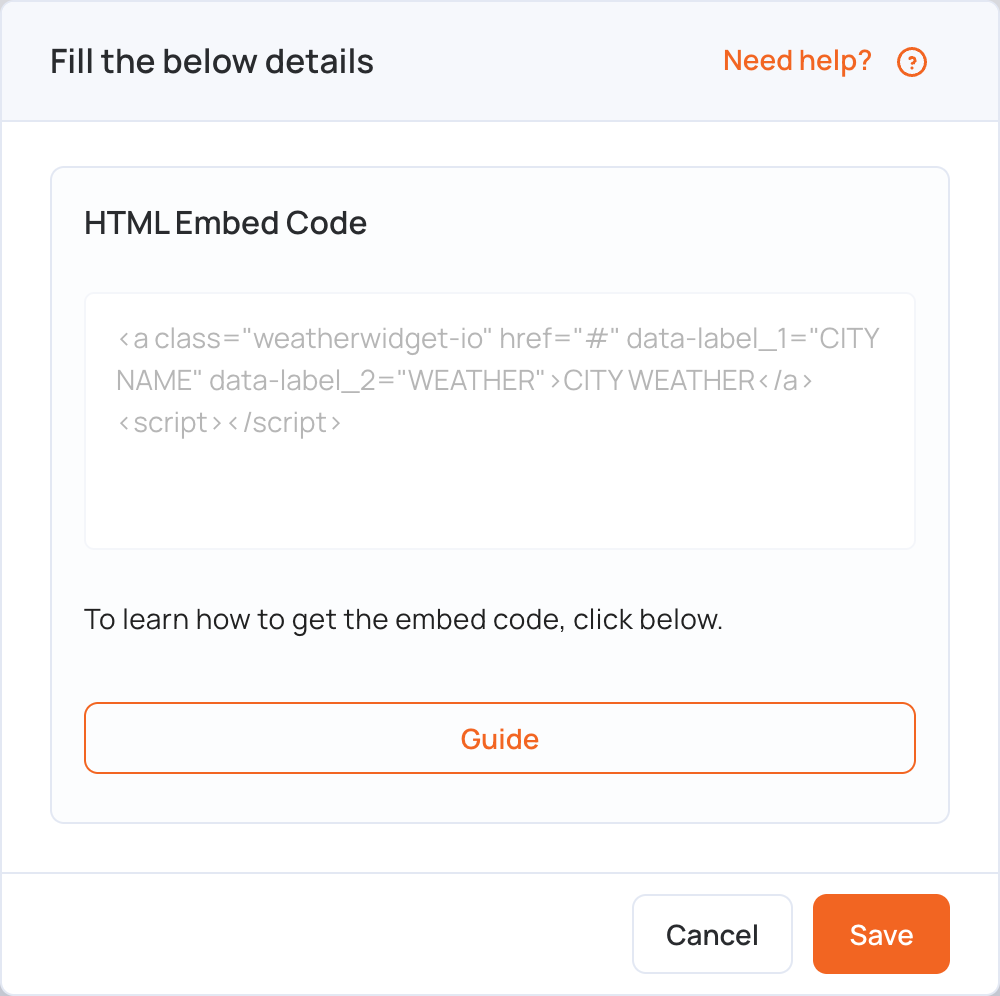
- Click Weather apps, then weatherwidget. It is also in General Apps.

- In HTML Embed Code, paste the code you copied.
- Click Save.
- Click Publish changes of this playlist to send it to your screens.
Note: If you set a width for the widget, use a layer of the same width. For example, embed an 800 px wide widget in an 800 px wide layer.