Show the weather for any location on your screens:
- Weather: the current weather, with the next few days
- Weather Forecast: the current weather with a forecast for the coming week
Note: Weather apps are offered on the layers of the built-in layouts, but not on video walls or on a layer you have resized with Edit Layout. Weather Forecast is only offered on some of those layers.
How to Add a Weather App
- Open the playlist, then click the layer. See Playlist Media Management.
- If the layer is empty, the content apps open. If it already has media, click Add New.
- Click Weather apps, then Weather or Weather Forecast.

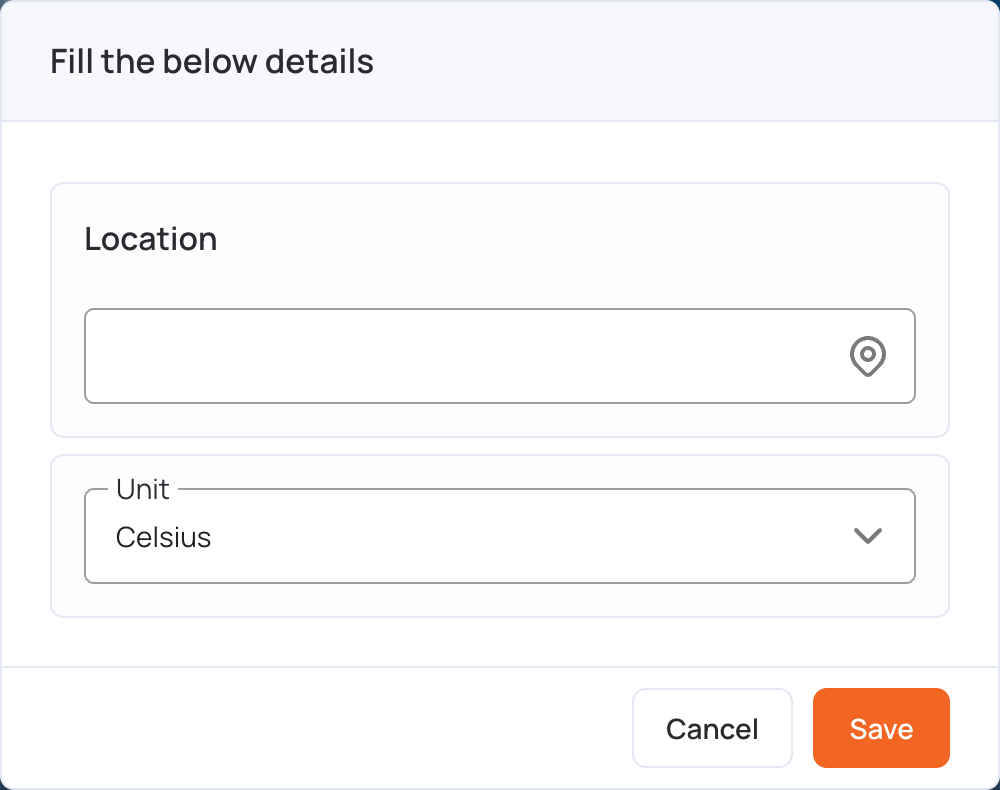
- In Location, start typing a city or address, then choose it from the list.
- In Unit, choose Celsius or Fahrenheit.
- Click Save.
- Click Publish changes of this playlist to send it to your screens.
Weather apps also has Windy, for live weather maps, and the Weather Widget.