Show the latest posts from a public X (formerly Twitter) account on your screens. You only need the account name: there is nothing to connect or sign in to.
How to Add X Posts
- Open the playlist, then click the layer. See Playlist Media Management.
- If the layer is empty, the content apps open. If it already has media, click Add New.
- Click Social Media, then X.

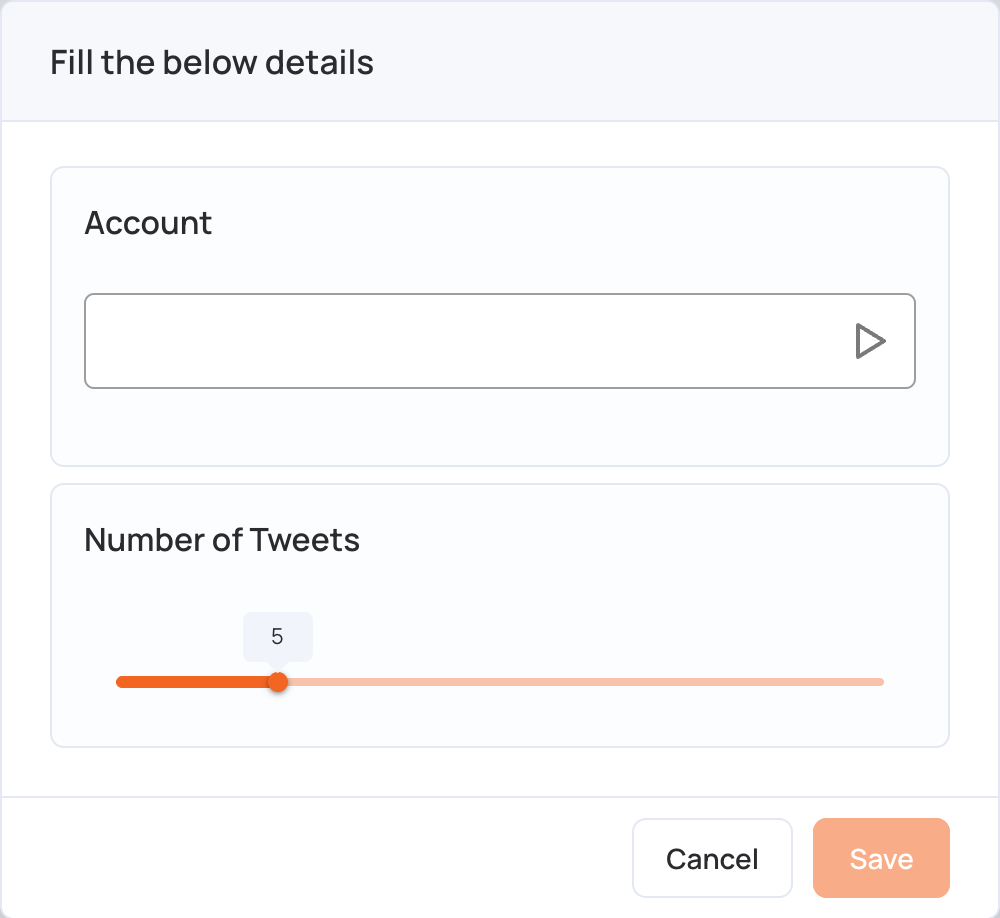
- In Account, type the account name, without the @.
- Set Number of Tweets: how many of the latest posts to show, from 1 to 20 (5 by default).
- Click Save and wait for the posts to load. Check them in the preview.
- Click Publish changes of this playlist to send them to your screens.
To scroll posts along a strip of the screen instead, use the X Ticker.