This setting lets you add your logo to the Door Label app. The logo is shown on your Google and Microsoft door label screens, so your meeting room signs carry your branding.
How to upload a logo to Door Label app
- Click Settings in the menu on the left, then Calendars.
- Under Door label Logo, click Upload Logo and choose your logo. Keep it within 600 px wide and 300 px high so it displays correctly.
- To change it later, click Edit, then Replace Logo. To remove it, click Delete and confirm.
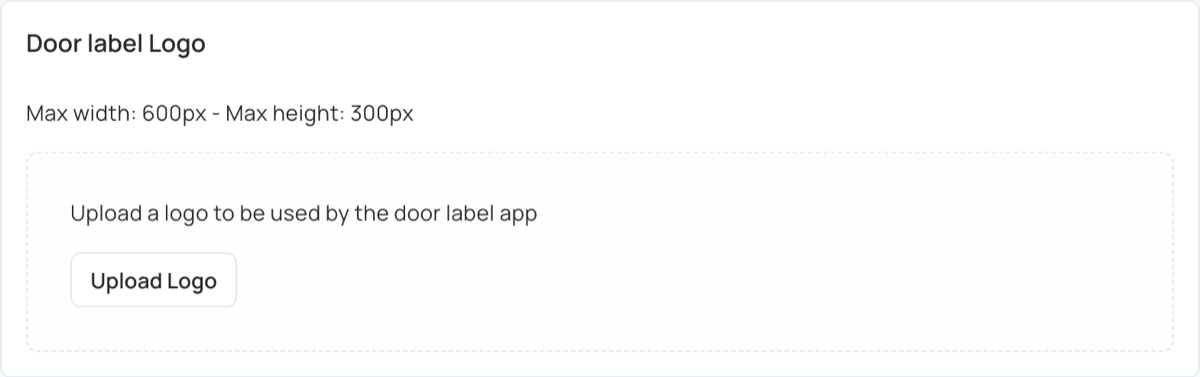
The account has one logo, used by every door label. A new or changed logo reaches your screens the next time you publish them.
For setting up the door label itself, see Door Label.