Account Access lists every account you can manage: your own account, and any account whose owner gave you access. Use it to switch between them. See User Management for how owners give access to other users.
Switch to Another Account
- Click Settings at the bottom of the menu on the left, then Account Access.
- Under Accounts, click the account you want to manage. Type in Search to find it.
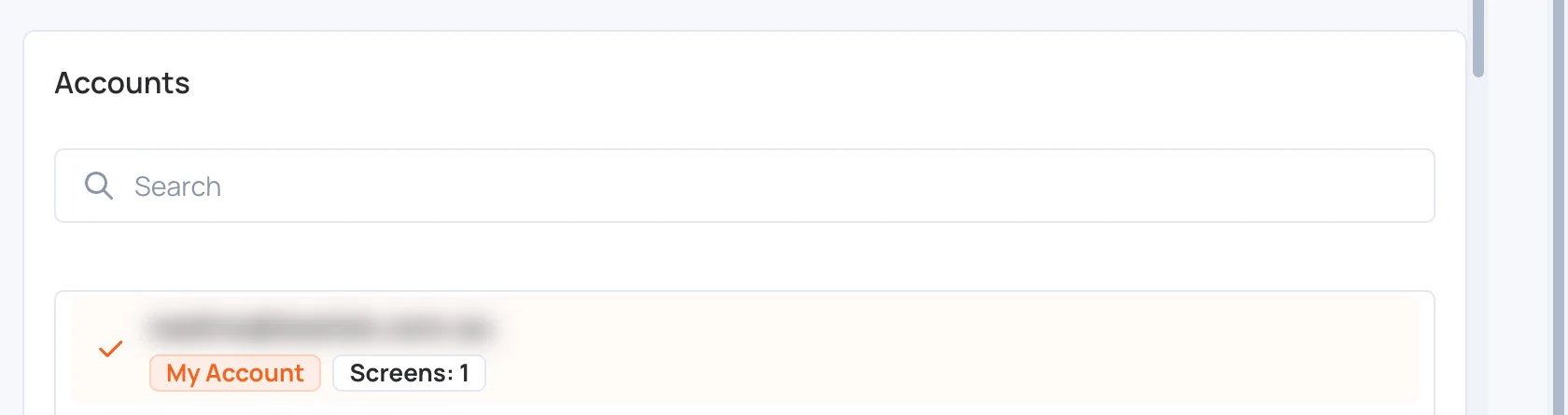
- Your own account is marked My Account.
- The account you are managing now has a check mark. When it is not your own, it is also shown at the top as Currently managing:.
- Each account shows how many screens it has.
Everything you do in the CMS then applies to the account you switched to, until you switch back.